Find the Right Tools for Your Business
Apr 13, 2026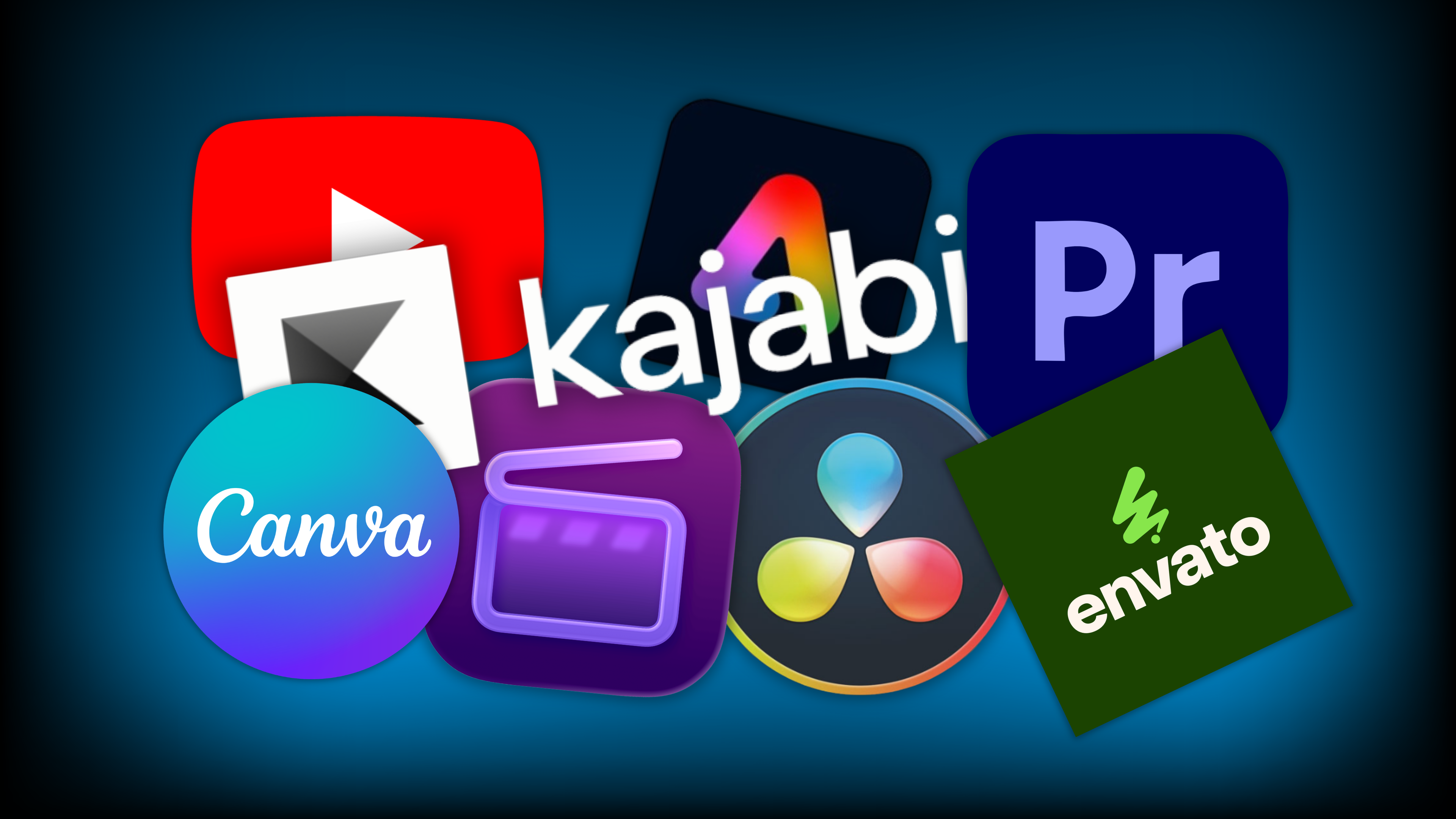
As a video producer and/or editor, you are likely using two or three pieces of software already. Maybe it’s DaVinci Resolve or Premiere Pro for editing and Canva for creating thumbnail images. Perhaps even a royalty free music site such as Music Bed or Envato for additional audio elements. The trouble here is that many of these tools require a subscription, and the dollar amounts can add up fast, especially if you are running a business!
In addition to the stacked subscriptions, it can be challenging to know which tools are the best for your workflow. Is it possible that you’re using too much? Let’s talk about the primary applications you can be using (both paid and free), to help you determine which is right for your stage of business. Before we jump in though, I think it’s important to note that these are not the only options, and you can certainly choose what works best for you. With that in mind, let’s begin with the most obvious tool, and that is of course, your video editing software.
Video Editing Software
We live in an exciting time to be video editors because there are so many resources available for users at all stages. Gone are the days of needing an intense multimedia arts degree to produce high quality video, and the financial barrier to entry for most of these resources has never been more affordable than it is today. Speaking of which, let’s unpack some of my favorite video editing tools starting with what you can download today for free.
For my Apple users looking to get started with some basic video editing, there’s always iMovie. This is a free app usually built right into the iPhone, but is also offered as a desktop version. If you already have some editing experience and you’re looking for a more advanced editor, I’d recommend DaVinci Resolve Free. This is going to get you into a more professional interface which will be helpful as your skillset develops.
As mentioned at the beginning of this post, subscriptions can add up quickly, and it’s great to use free applications when it makes sense. That said, you are going to spend a lot of quality time with your video editing software and this may be an area of logical investment for you. For example, my preferred editor is Adobe Premiere Pro, but that’s mainly because it’s where I got my start and feel most comfortable with my workflow. You may find better success with Final Cut Pro or the paid version of DaVinci Resolve. Either way, get yourself a trial and see which one feels best.
Image Generator
If you’re anything like me, thumbnail images are the bain of my existence, which is unfortunate because they are so wildly important to the video you’ve worked so hard to create! You can film and edit the most amazing video this world has ever known, but if your thumbnail is boring, few people will click on it. Now, for a long time I attempted to create my thumbnails inside of Premiere Pro (I know, it doesn’t make sense), and this was outrageously cumbersome and time-consuming. I would take pictures of myself in front of a green screen and key out the backdrop so I could insert a solid color and after the video was fully exported, this was the last thing I wanted to spend time on. Insert Canva to save the day.
Canva is a free app that works great for creating thumbnail images with templates and formats ranging across every social media platform plus YouTube. If you’re willing to pay a little extra, you can unlock some of the ‘pro’ features like the background remover and high-resolution images. While I was reluctant to invest here at first, the time I have saved alone has made it worthwhile and occasionally I even find myself having a bit of fun generating my thumbnails. Now, is Canva the only option here? Nope! There are others like Adobe Express (which I may be exploring soon!) in addition to Pixlr. As per usual, try them all and see what works best for you.
Audio Library
This one often gets overlooked, and some may argue that it’s unnecessary. I would love to tell you why you’re wrong over a strong cup of joe sometime but for now, I’ll just present my recommendations. As a video editor, audio is just as important as video and depending on the type of video you are creating, could be more important. I’m not just talking about clean and clear dialogue (that should be obvious), I’m talking about music and sound design. Music does so much more than provide subtle entertainment. It can completely alter the energy of your edit, and it can be used strategically to hide background noise that could quite be cleaned up in post-production (nobody’s perfect). In addition to music, clever sound effects all add a layer of depth and intrigue to your video and can be a great way to bring attention to certain details.
This then begs the question, do you create your own music and sound effects, or is there a central repository that you can pull from to make your life a heck of a lot easier? I think you know where I’m going with this… Okay, okay, but where do you find such a magical place?
Believe it or not, YouTube has an incredible library of royalty free music and sound effects designed for creators like you! Even if you don’t use YouTube to post content (although you should), it’s worth creating a free account just to have access to audio library within the YouTube Studio. Is it the most expansive and intuitive library on the market? Not even close. BUT, it’s free and that’s a pretty darn good start.
Next on the list would be companies like Envato, Audio Jungle, and Music Bed. These all require a paid subscription, but the resources offered are nothing short of amazing. You’ll need to take some time to understand how often you’ll need to source audio for your video to determine if a paid subscription is worthwhile, but with Envato, for example, you get a whole lot more than just audio, and you may even be able to tackle your thumbnails under this subscription too.
Business Operations
While we started with some of the more obvious tools, I would be amiss to skip something as foundational as your operations tool. Depending on where you’re at in your video journey, this may not be inherently applicable, at least right now, but I do think it’s worth understanding for when you’re ready to scale.
Every business needs a way to manage a website, host content, and receive transactions. There are plenty of free web generators out there, but most of them don’t have backend platforms that provide site analytics or hosting for digital content such as blogs, podcasts, downloadable guides and courses. If any of these describe your current business, or the business you intend to create, you’re going to need to spend a little cash to manage everything under a single pane of glass (i.e. one ring to rule them all).
Before I tell you what I’m using, I think it’s worth revisiting YouTube for a second. If you are just starting out, you should immediately activate a YouTube channel under your intended company name. This will give you a free space to upload your video content and begin using the free audio library. YouTube is FREE to use so there is no reason why you shouldn’t get yourself a spot on the platform. Now, if you’re already on YouTube and ready to take things to the next level, I’m excited to introduce you to Kajabi.
Kajabi is an all-in-one web platform designed exclusively for online content creators. This will serve as your web developer, your hosting platform, and allow for financial transactions. When setting up your Kajabi account for the first time, you can choose the type of business model that best suits you, and Kajabi will provide web templates to help get you started quickly. You can build digital products such as courses and downloadable guides, and lock it all (or some) behind a pay wall. There are also options for hosting a written blog, video content, and podcasts. The platform is not cheap, so you will need to really assess if it is right for you, but there are different tiers that will help as you scale your business over time. The beautiful thing about Kajabi is that you’ll have everything you need to run your business at every stage, and you won’t need to piece different operational applications together.
Open for Business!
Starting a business certainly has its challenges, but with the right tools, it can come together a whole lot quicker than you think. The best part about every application I’ve mentioned above is that they all have a free trial of some kind or another. Experiment with the tools that look most interesting to you, and once you’ve landed on a good fit, start building your brand! When it’s all said and done, you can strategically hand-pick your most critical applications to fit your budget and begin marketing almost immediately.
I wish you the very best of luck, my friend! And remember, if you ever have questions throughout your video journey, I’m here for you!
Discover The 6 Steps to Creating Pro Video Without Pro Gear
Enter your name and email below to receive your free 18-page PDF guide,
"6 Steps to Creating Better Video"
We hate SPAM. We will never sell your information, for any reason.